
Orbit
The Problem
Most budgeting apps are concentrated on where money is going, after you’ve already spent. You don’t see the impact of overspending until it’s too late.
Categories, tags, which account it came from, understanding flow. That’s a whole different mental model, and a lot of organizing for what should be a simple habit.
The real question is simpler:
“How much can I safely spend today?”
The solution
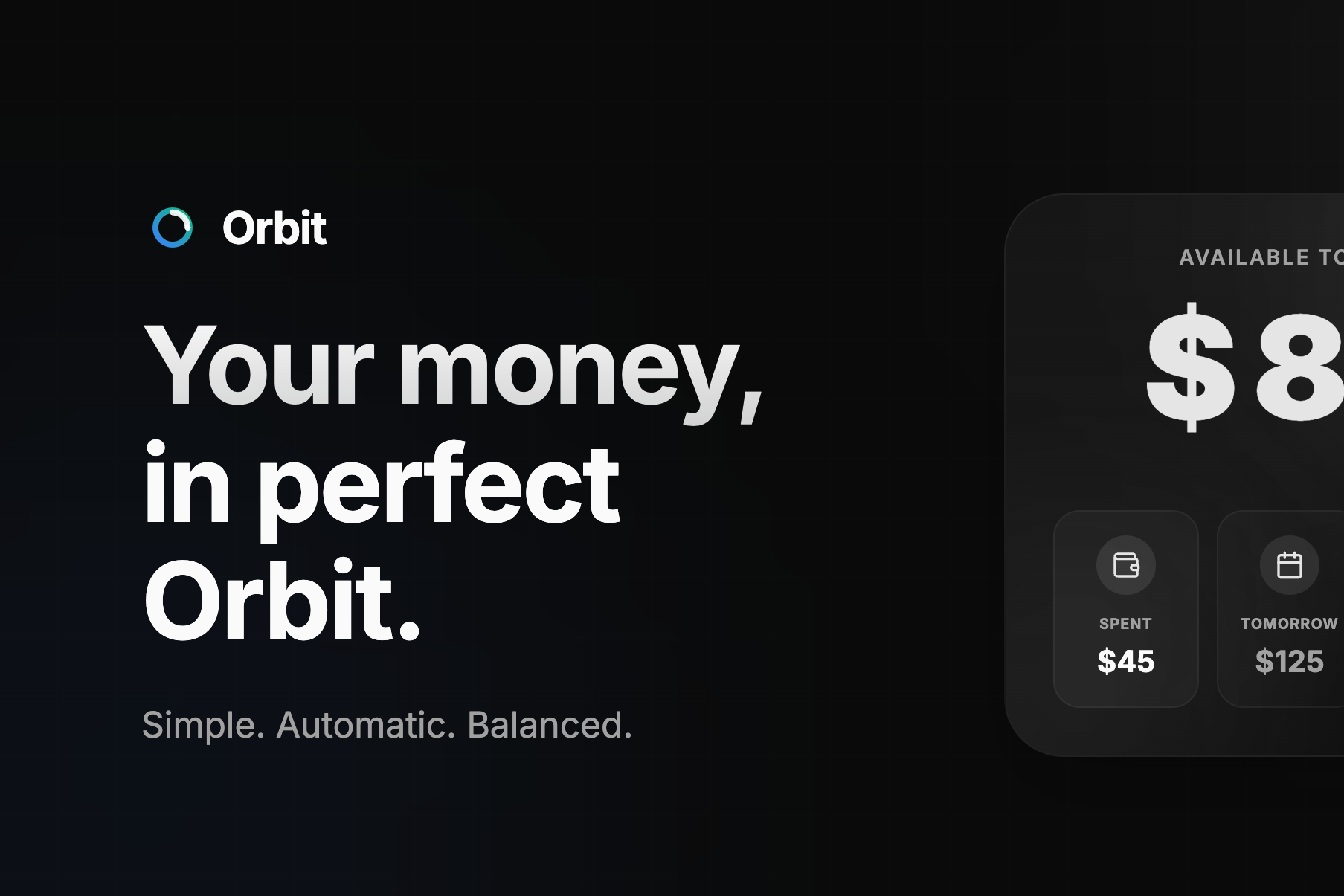
Orbit is a daily budgeting app built around one number: your safe-to-spend for today.
Set a monthly budget (or custom duration), log expenses as you spend, and Orbit recalculates your available amount in real time, for today and for every remaining day in the cycle.
- Underspend today? The extra is redistributed across the remaining days.
- Overspend today? You borrowed from your future self. The remaining days adjust automatically.
- Stay on streak. The app tracks your consecutive on-budget days and success rate, a quiet motivator.
- Daily reminders. Set a time to be nudged if you haven’t logged anything yet that day.
- Export your data. Every expense and budget cycle, exportable as JSON or CSV.
- No categories. No bank sync. No charts. Just minimal, fast, low-friction budgeting.
The goal is not financial analytics. It’s staying within your limits with minimal effort.
Engineering
Building Orbit was a deep dive into product reasoning and PWA’s.
- Logic over CRUD The core of the app isn’t just saving and retrieving data, it’s the calculation that handles overspending, carries totals forward, and adjusts for varying budget cycles.
- Offline-first The app is fully functional without a network connection. Expenses can be created, edited, and budgets managed entirely offline. All writes go into an IndexedDB queue and sync to the server the moment connectivity returns.
- Push notifications A pg_cron job triggers a Supabase Edge Function at the user’s set time, it fires a push via the Web Push API, received by the service worker.
- Custom Auth flows Instead of using Clerk’s pre-built UIs, I implemented custom auth flows using their SDK, not just to have full control over the user experience and branding, but also to understand auth flows.
- PWA installable everywhere, and ships a single codebase. The next step is distributing it on the Google Play Store using the process called Trusted Web Activity (TWA)
- Product-led Development Designed the product, UX, database structure, and user flows end-to-end from concept to production.
Technical sheet
- Built with Next.js, Typescript and Tailwind css
- Shadcn UI and Motion
- Auth handled by clerk, and managed postgres by supabase
- Deployed on Vercel
Future Roadmap
- Collaborative budgets
- Goals
- Adding PWA to google play